Suggested testing flow
- Open the OrderSignal Employee app and create your organization.
- Enter your organization details, create an initial location and set up your restaurant.
- Scan a table QR code or open the demo table link to launch the Customer App at the correct table.
- Submit an order, send a message, and mark the table ready to pay.
- Confirm the Employee View updates in real time.
- After the table is finished, check the Admin App for logs and totals.
Start with OrderSignal Employee
The Employee App is the main staff-facing app and the best place to understand the system. It shows table activity, incoming orders, customer messages, payment readiness, and active service status.
New tester setup walkthrough
Watch a quick walkthrough showing how to create an organization, add a location, configure tables, and start testing the live table flow.
Try the customer app through QR code
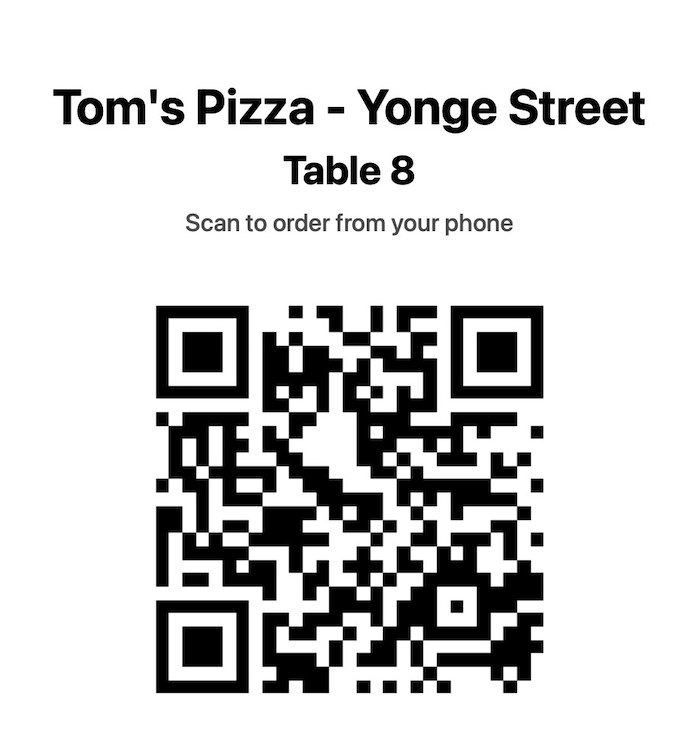
Scan the QR code to be placed automatically at the table the QR code is tied to. From there, you can place a test order, send a message, or mark the table ready to pay after your order.
OrderSignal Employee App
The main staff-facing app. View all tables, see live orders, messages, payment requests, and table activity from one operational screen.
OrderSignal Customer App
The table-side customer experience. Customers can browse the menu, build an order, send messages, and signal that they are ready to pay.
OrderSignal Admin App
The manager analytics app. Review archived logs, revenue, order activity, and item performance during testing.
Testing the system?
Send feedback after trying the table flow, customer ordering, staff updates, or sales overview.